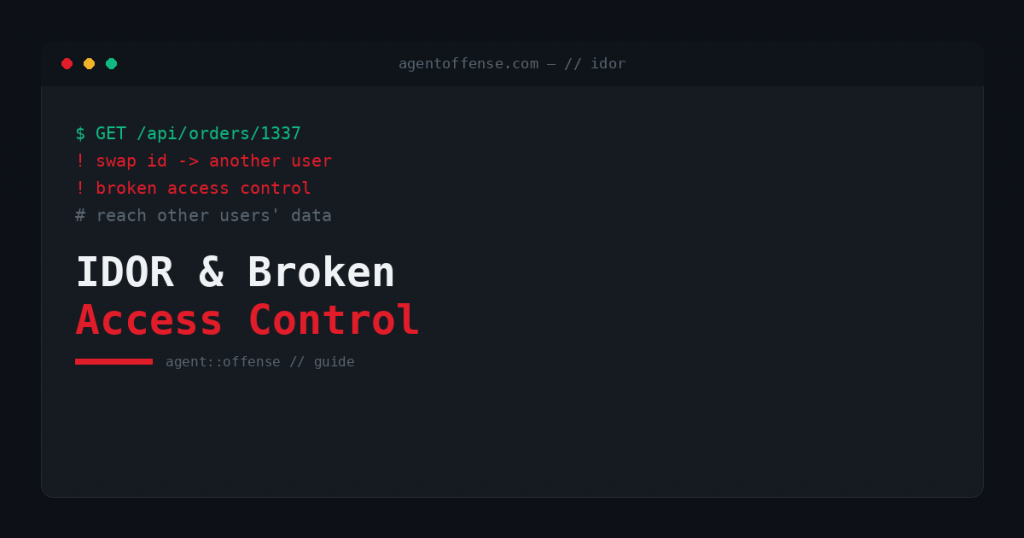
Broken access control is the number-one risk in the OWASP Top 10, and IDOR — Insecure Direct Object Reference — is its most common form. It is also one of the easiest bugs to understand and one of the hardest to kill off, because the check has to be right on every single request. This guide covers what IDOR is, how attackers exploit it, and how to stop it.
What broken access control means
Access control has two halves: authentication (who are you?) and authorisation (what are you allowed to do?). Broken access control is a failure of the second. The application logs you in correctly, then fails to check whether the specific record or action you asked for is actually yours. IDOR is the classic case: the app exposes a direct reference to an object, usually an ID in a URL or request body, and trusts it without verifying ownership.
A concrete example
You open your invoice at /api/invoices/1041. You change the number to 1042 and the server hands back someone else’s invoice. Nothing was hacked in a Hollywood sense. You simply asked for a resource that isn’t yours, and the server gave it up because it only checked that you were logged in, not that invoice 1042 belonged to you. The same pattern shows up on profile IDs, document IDs, order numbers, account references and API object keys.
How attackers exploit it
- Horizontal escalation: reaching another user’s data at the same privilege level (invoice 1041 → 1042).
- Vertical escalation: reaching admin-only functions by calling them directly, even though the UI hides the button.
- Mass extraction: scripting through sequential or guessable IDs to harvest an entire dataset.
- Write access: not just reading but editing or deleting other users’ objects, when the same missing check also covers state-changing actions.
Because the requests look legitimate, IDOR rarely trips an alert. That is exactly why it powers many of the largest data-exposure incidents on record.
Why it is so common
Frameworks authenticate for you automatically, but they cannot know your business rules about who owns what. Developers have to add an ownership check to every endpoint that touches a user-scoped object. Miss one — a new feature, an export endpoint, a mobile API — and the door is open. Scanners struggle here because they don’t know that 1041 and 1042 belong to different tenants. Only a tester with two accounts can prove it.
How to prevent it
- Enforce authorisation server-side on every request, checking that the authenticated user owns the requested object.
- Prefer indirect references (per-session mappings) or unguessable identifiers (UUIDs) so IDs can’t be enumerated, though UUIDs alone are no substitute for a real ownership check.
- Centralise access-control logic so it can’t be forgotten endpoint by endpoint.
- Deny by default; require an explicit grant for every action.
How we test for it
Proving broken access control needs at least two accounts per role. We authenticate as user A, capture every object reference, then replay those requests as user B, for both reads and writes, across the full application and its APIs. This two-account method is the heart of broken access control & IDOR testing, and it is exactly what automated scanners cannot do. IDOR frequently hides in APIs, so it overlaps with API penetration testing, and it is a core part of any web application penetration test.
Frequently asked questions
Are UUIDs enough to fix IDOR? No. They make enumeration harder, but if the server still returns any object whose ID you supply, the bug remains. The fix is a server-side ownership check.
Can a scanner find IDOR? Rarely. It takes an understanding of ownership across accounts: a human, two-account test. See the web vulnerabilities we exploit most.
Worried your app leaks data across users? Explore broken access control & IDOR testing or get a fixed-price quote.